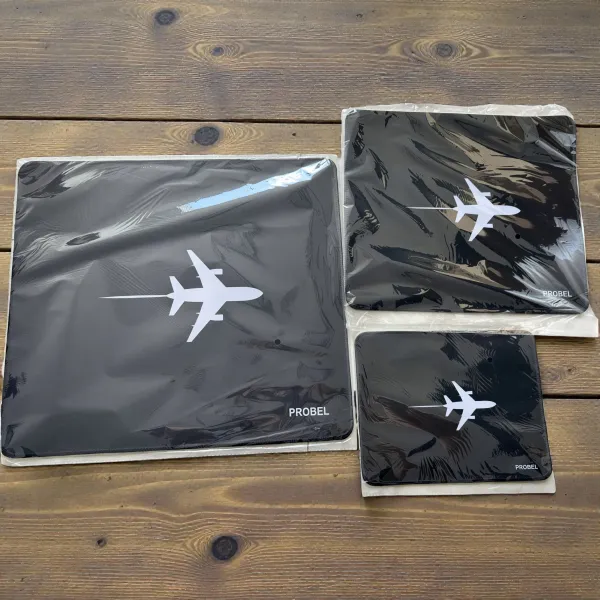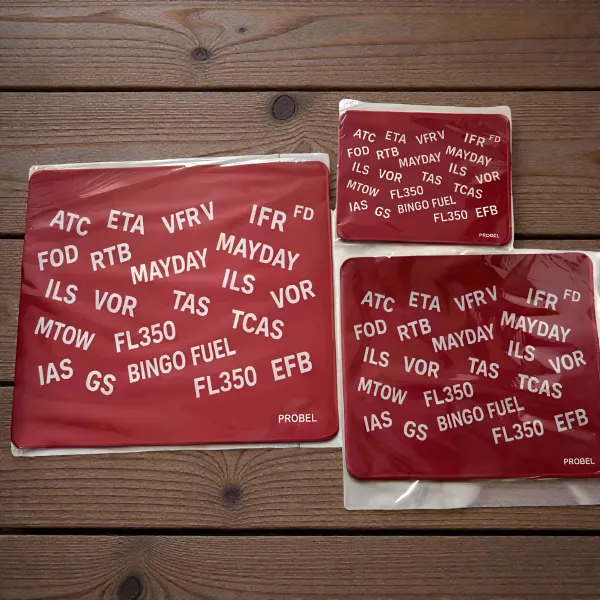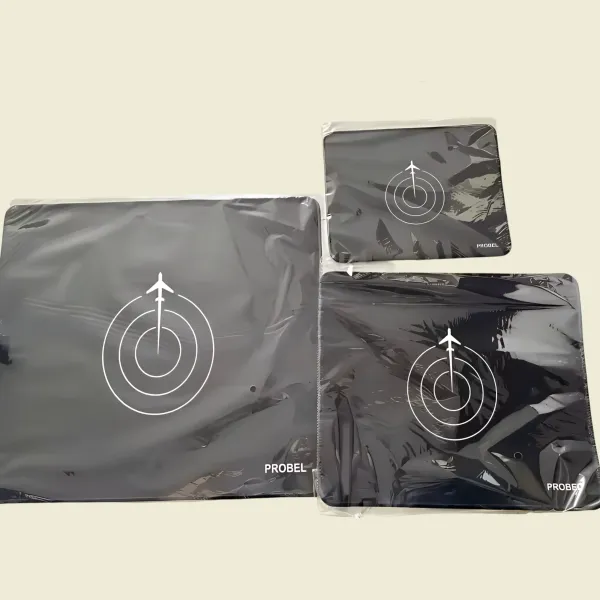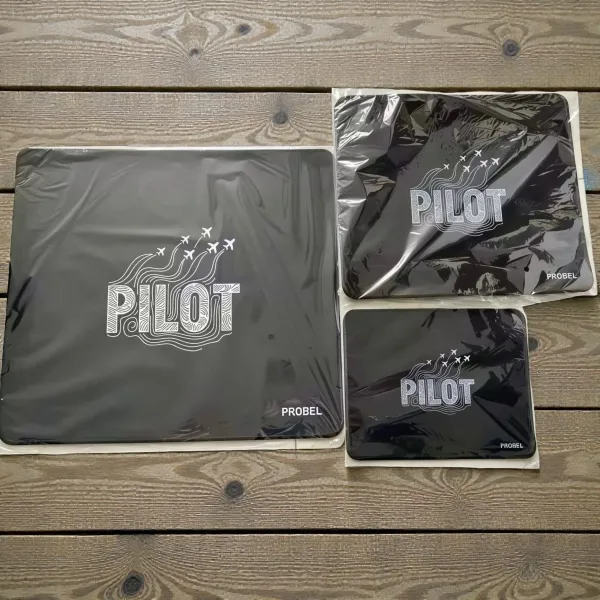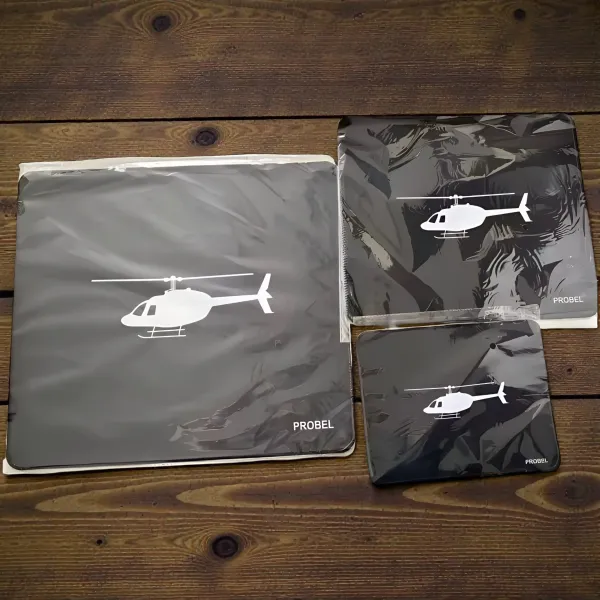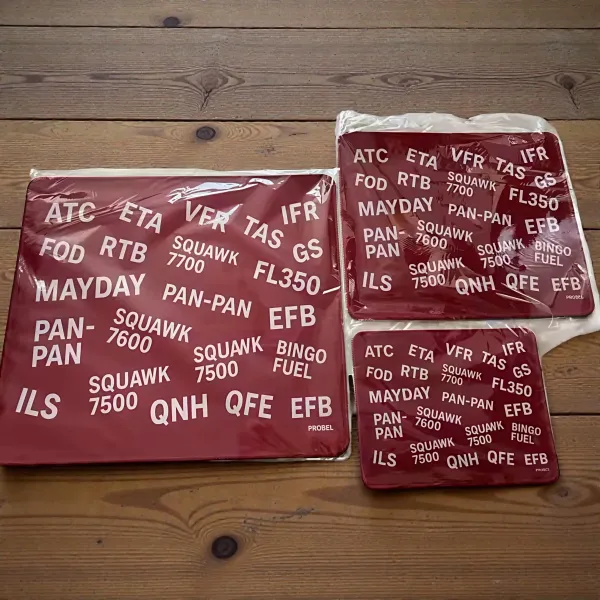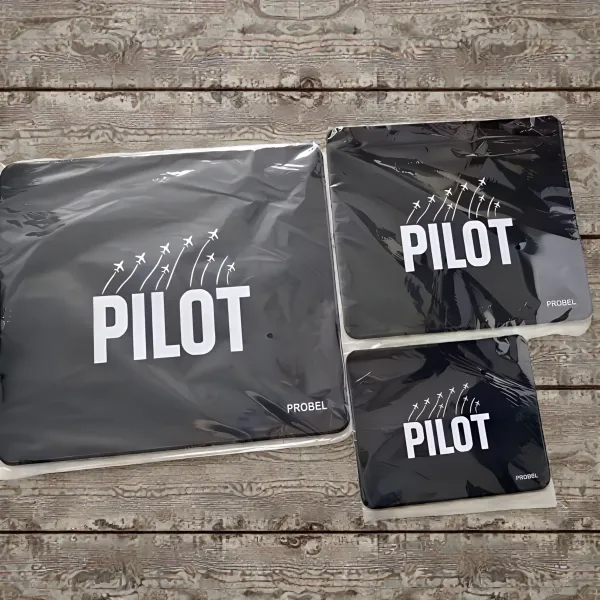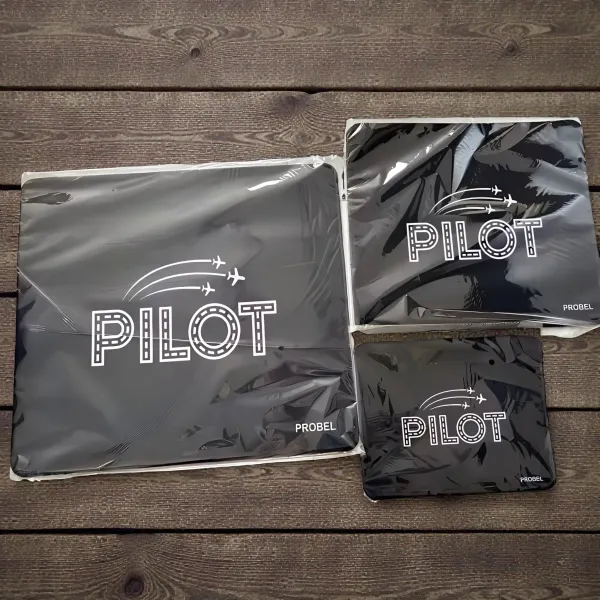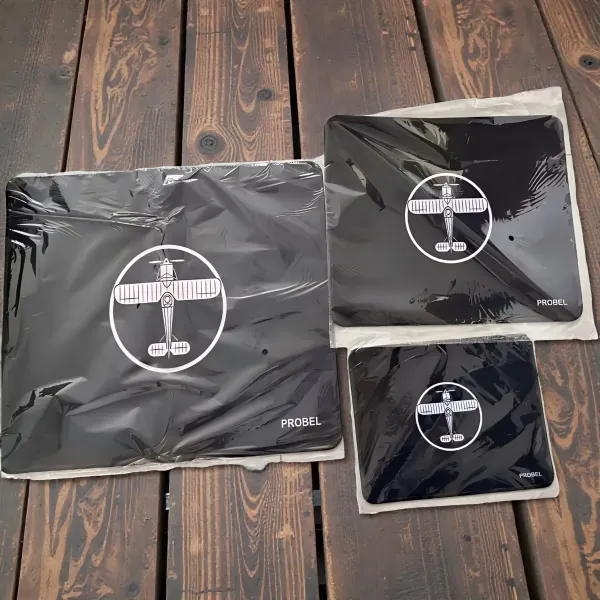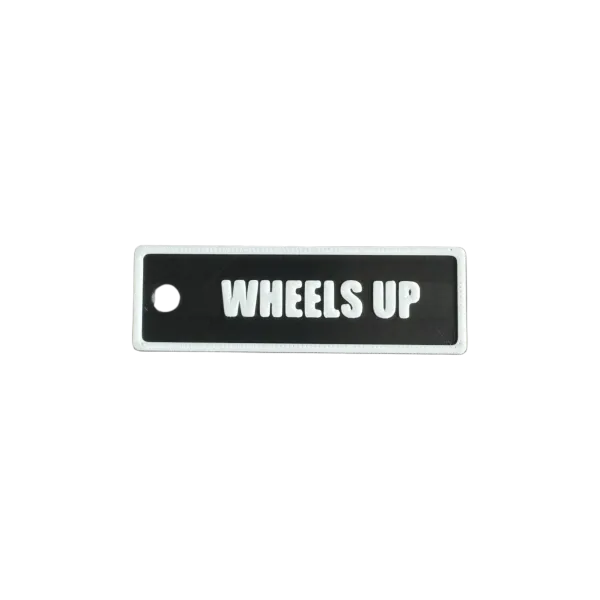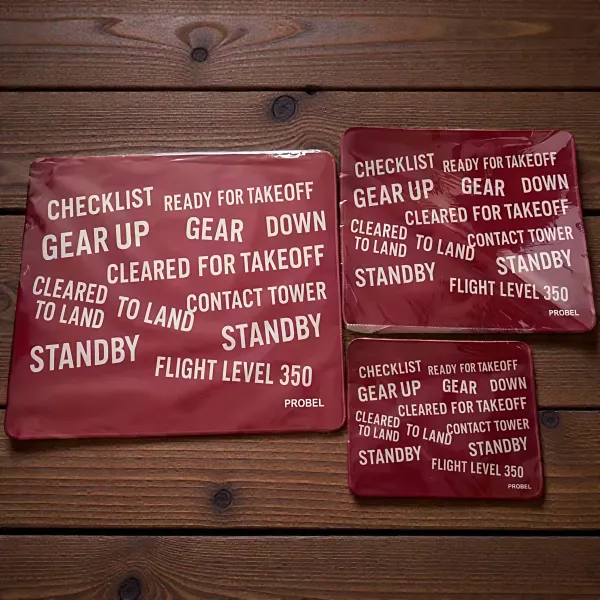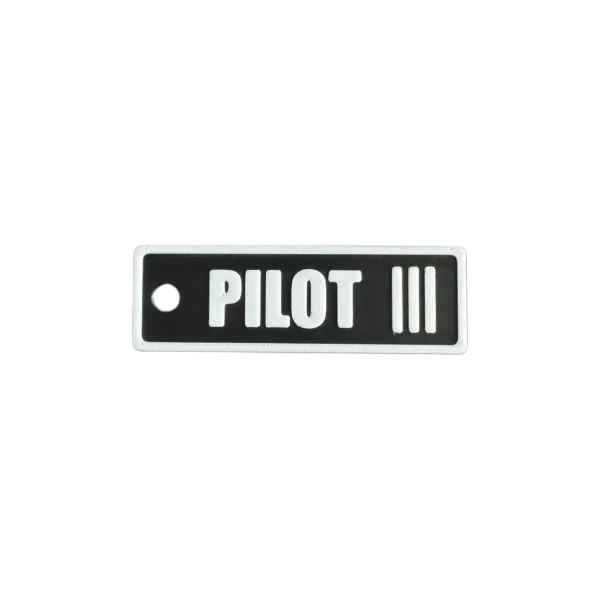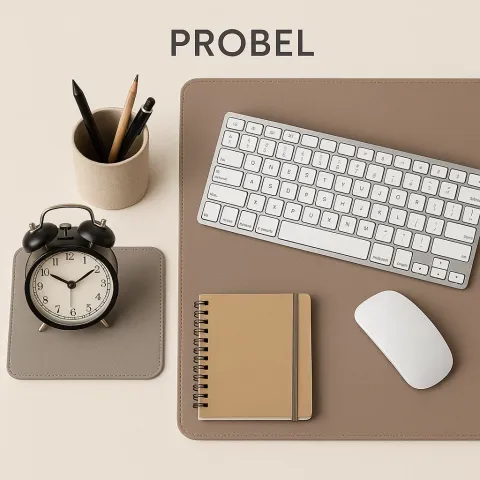
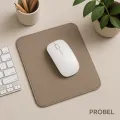


Aluminium Mouse Pad 250 × 200 mm
Loading…
Engraving in a few minutes: what you see in the editor is transferred to the product one to one.
-
1
Write your text
Type the text, choose the font and letter height and click “Add text”. The next text goes into the same field.
-
2
Add your own image
Click “Upload image” and choose a logo, a drawing or a photo (PNG, JPG, WebP, SVG). We turn it into vector outlines for the laser right away.
-
3
Place it on the product
Drag the elements with the mouse or your finger. Size and rotation are changed in the element card, button “Edit”. Everything stays inside the dashed area.
-
4
Check the result
The product shows exactly what will be engraved. The “Engraving file” view shows the laser file itself at 1:1 scale.
-
5
Add to cart
Choose the quantity and click “Add to cart”. The price updates immediately. Until you place the order, you can still change the design from the cart.
Tips for the best result
- High-contrast images with clear edges engrave best. For photos, adjust the “Detail” slider.
- A logo in SVG format is taken over without any loss.
- Keep letters at least 2–3 mm high, and make thin script fonts a little larger.
 BrandPROBEL
 Probel.de — Sergej Voronin
Frankfurter Allee 172
10365 Berlin (Kein Besuch)
support@probel.de
+49 30 98592356
Your history
Keep browsing
Most viewed